
I thought I’d share what technology I use and why. I’ve settled on a pretty stable base now, but I’m always open to a new thing.
And as we watch Google et al cozy up to the accelerating fascism of the United States, you might think about what it’s worth to you and your family to at least make it harder to get swept up.
This includes a major change – AI. If you hop over to my business page, I’ve completely re-thought my approach to reflect one of the most important inflection points of our species. My goal is to work in a way that retains the humanity. 50 years watching Star Trek (and avoiding Star Wars) serves as a good foundation.
The basic requirements:
-
Business bit: me working alone
-
Family bit: 3 more. So 4 humans and a spirit guide manifesting as an obese cat with aids.
-
I want to keep family separate from work.
-
If it’s free, then you are the product. So paid services. It’s only fair – we expect to be paid for our work; why shouldn’t they be rewarded for not being evil?
-
Services for mere mortals who don’t want to spend hours stuffing around with setup and migration. Everything here is pretty much point and go. If the term markup is promoted as part of a product, I avoid it. I’m not the target audience.
-
You’ll see I often use Family licenses. They are good value, and the spare is used for a shared account that we use to log into home devices (like the TV or media streaming). Or when we want to mess with an algorithm (DumbFace, Instanity, SadTok or suchlike).
-
Wherever possible I prefer services to originate or be domiciled in the European Union. Let’s be honest, a showdown is coming around privacy and AI. I simply don’t trust a country that has become as corrupted as the USA. There’s a reason Germany has some of the toughest privacy laws in the world.
Work Platform
Would you believe, Microsoft 365 Business Basic? It’s significantly cheaper than Google at NZ$109 a year (one licence*) and only slightly less usable. But most importantly it’s easy to host in the EU (there are several options). You get Teams which is good enough now you can dump the Zoom licence. Even To Do is one of the best cross platform task list apps if you like that sort of thing.
You do not get all the desktop office apps (they are online, like Google Workspace), so if you are an Excel addict, then you will need a separate license. That’s another $120 a year.
I’m in the process of migrating to LibreOffice. You need to take the time to make the transition – chances are you have been using Office for decades, so it’s important to get your head around the underlying changes. Once you have, you’ll find it more productive.
Let me talk about the personal cloud stuff and you’ll see where I’m going (and I’ll do a separate post on data analysis stuff – things are evolving fast and it might be time to <gasp> get over the cozy comfort of Excel.)
Personal cloud platform (email etc)
I’ve got a 6-character GMail address, which probably tells you how long I’ve had it (2004 I think). It’s convenient and integrated, and the mail search really used to be the best. But with Google going all-in on AI, it’s time to leave them behind. The only thing putting me off is having to migrate the whole family. They are firmly in the “I can’t be arsed to protect future me” camp.
Currently, I’ve turned off as much personalisation as practical (there are various how-tos out there) and archive my email out of Google periodically – see the bit about backup below.
Eventually, we will move to proton.me. It’s the only realistic option for security and privacy, with a solid level of functionality. But you have to use their own email, drive, and other apps, and that is a non-negotiable for me, so it’s still on hold (they have a thing called Proton Bridge, but it’s only for paid accounts…. And it’s still pretty clunky).
With your MS Family license, you get Outlook online, so an @outlook.com address is an option. But it’s got a couple of problems, the big one being that your emails will end up in other people’s spam far more often. And they no longer support a GMail connector, so it’s fiddly to set up to maintain your GMail address.
So I’m sticking with GMail for the moment and looking forward to the day when Proton solves the problem of using other email clients: ideally Spark…
Email client
If you’re like me, I spend much of my day on email. SparkApp is the one. It syncs across all your platforms (including your account details, so you only need to set up an address on one device and it’s everywhere). Best of all, it doesn’t have the crappy MS Outlook performance. Go and try it; you’ll realise what you’ve been missing. It costs US$100 a year, and that’s going to a bunch of Ukrainian developers, so why wouldn’t you? But there is a free option: it’s a little naggy, but is fine for personal use.
If that’s not an option, then the MS Outlook desktop client is pretty solid, but it’s big and inefficient. And you are effectively tied to a single AI provider.
AI
Chat-based stuff (occasional use),
-
Claude all the way, with one exception.
-
Gemini is best for translation.
-
Use one to check the other. This is crucial – they want to please you.
-
But most of the time, I use either the stuff built into other apps (Spark). They are paid and private.
A word on the base prompt. This is the thing that sets the tone. Here’s part of mine:
When researching, apply a Source-Quality Filter: 1. Prioritize: Independent news agencies (Reuters, AP, AFP) and primary legal/scientific documents. 2. Discount: Sources with high ‘Opinion-to-Fact’ ratios or those owned by conglomerates with documented entertainment-first mandates (e.g., Murdoch-owned properties). 3. Discard: Do not use social media platforms (specifically X/Twitter) as a primary source for factual claims. Use them only if the prompt specifically asks for ‘public reaction.’ 4. Transparency: If a claim is disputed or originates from a source with known editorial bias, explicitly state: ‘This claim is reported by [Source], but has not been independently verified.’ I will also apply skeptical weighting to ensure that ‘news as entertainment’ does not pollute the insights I provide.
For being your meeting assistant, Krisp is my favourite. It doesn’t just transcribe – it reads the text and creates actual useful minutes and notes. It identifies and allocates action points. It feeds directly from apps like Teams, Zoom, WhatsApp, and so on in a way that doesn’t hear background noise. You can get it to watch a 1-hour video stream and summarise it… with timestamps if you want to watch a specific bit. All with the volume turned down on your PC. I also use it in situations where accents can be a little difficult, or people are speaking quietly, even when I’m actually sitting in the room with them. It is private (i.e., your meetings aren’t shared for training, as happens with free AI) – I generally check the notes, and if they are good enough, delete the transcription. You can also upload a .WAV file, and it has a phone app for IRL meetings.
I also use a bunch of online AI tools for specific things. Take a look at https://grasp.info/tools/1
I will not use Perplexity because of the ownership.
Search
This is getting interesting. We’ve had alternatives for quite a while (D2G etc) but with various degrees of crapness compared to Google. Now there is a good alternative. It’s clean, doesn’t track, doesn’t mine your life… and it’s called Kagi. It has no big VC funding (just a small team who do clever things), no ads or promoted placements. You’re not the product because you pay for it. A family license is US$216 a year for 6 people, so about $5 a month each. I love it – the results are as good as (often better than) Google. There’s no noise. If you really want AI help, it’s there, but not in your face. Frankly, just not having the YouTube trash pop up is worth it for me.
Instant Messaging
No brainer: Signal. All the functionality of WhatsApp (groups, voice, video, audio messages, etc.) without supporting the ethical vacuum of Meta. It’s long been the choice of spies and the US Cabinet. Nuff said. It’s free, but make a donation so it stays independent. I would imagine the charity that operates it will be relocating to the EU soon.
Web Browser
I try not to use Chrome. I find it clunky, resource-intensive, but worst of all, you always end up signing in to your Google account…
Use Firefox. The only catch is you will occasionally bump into a site that is not web-safe – that means it isn’t standards compliant (lazy developers) and you have to dip into Chrome or Safari. But it’s faster, cleaner, and much better about leaching your personal information.
Password Manager
I use BitWarden (an easy migration from LastPass). If you have been sucked fully into the Apple / Google ecosystem, that’s probably the one for you, but if you need true cross-platform, then pick an open one.
I tried 1Password, but I found the integration a bit poor. LastPass has been very good at auto-population for many years, especially on phones, but it’s widely regarded as a legacy platform now.
News & Information
Parasites like Instanity (aka InstaSociopath, Instac*nt etc.) and YouTube (SuckerTube, YouMoron etc.) take information feeds exploited from a vast pool of people and bots with varying talent and sell them to you in return for tiny serotonin bumps. If you don’t want to allow a firm to leverage a built-in chemical addiction to drive a profit margin and support information warfare against your country, you can still get feeds about things that interest you by using an old-fashioned protocol called RSS. It’s a way of harvesting information from websites in a very clean, abbreviated form without any of the noise (such as advertising).
I use Inoreader to do this, but if you don’t need much, check out BlueSky (which is like Twitter, except not owned by a Ketamine-addled moron) which has just been updated to allow RSS subscriptions.
The beauty of Inoreader is it allows you to filter feeds at various levels. So you can add in rules that mean you won’t see any articles containing (to pick some of mine at random) Kardashian, King Charles, Royal Family, Farage, Brexit, vaccine… you get my drift. This has the added benefit of quickly eliminating much of the Russian / Chinese outrage propaganda that targets the brain damaged of our community.
Music
Tidal without a doubt. The Family plan is a similar cost to all the others, and they focus on paying the artists. They are also the only mainstream provider that offers high bitrate streaming (at a higher price). My favorite part of it is the absence of chatter. Personally, I just want to listen to music. I don’t want to see other people wanking on about the texture of a song, and I rarely want to see a video.
Storage
MS Family comes with 1,000GB per person, as opposed to 15GB on the base Google free account. I archive all my Google data there (especially pictures). The OneDrive app is getting better every day at photos, so soon I will abandon GDrive altogether. Outlook search is starting to get useful, so it might be possible to leave GMail one day. Maybe.
VPN
You may not need this, but when I last worked in Nigeria, I was the only person in the team who didn’t have my GMail account hacked. Nord really sets the standard, and they have neat things included like DNS spoofing protection, the ability to set it up so it appears that all your devices are on the same LAN, wherever they are in the world. Typically, it costs around NZ$60 for two years. And you can stream the BBC 🙂
Backup
You may think that in this cloud world you don’t need this. You are wrong. iDrive is a cheap multi-platform service. Did I mention cheap? There’s a 100GB plan for less than NZ$5 a month, which will probably do for most people. I’m on a business plan at about NZ$100/year, which gives me 5TB. For the same price, you can get a Team plan for 5 people.
Notes
I’ve been a long-time Evernote user, I’ve tried several times to move to MS OneNote (I’m not even going to mention Apple and Google – they are for shopping lists) with no luck. Evernote is properly cross-platform, blows MS AI out of the water (try it for transcribing seventeenth-century handwriting!), and now that it has been sold to an Italian firm, domiciled in the EU, it’s getting the love it deserves.
But last year I decided it was time to move to something more structured so that I had the underlying base to use AI agents. I picked Notion, and it’s been transformative. It very much depends on how you work, but I highly recommend it. You need to take a look to understand if it’s for you.
Hardware
When I was in IT, I inflicted Windows on others, generally because in those days certain apps weren’t available on Mac. I believed as an IT Leader I shouldn’t make others use something I wouldn’t.
The day I bought a laptop for myself it was a Mac, for the simple reason I wanted to use it, not stuff around fixing things all the time. If you use Windows, you will lose many more hours of your time to problems. Microsoft has improved a bit, but they only recently learned how to develop software that works. Macs also hold their value, so they are cheaper than a Windows laptop over time. And you don’t have to spend as much to get something light with a longer battery life.
But hey, if you can afford the expense of a less reliable machine…
If you want to play games, get something for the job. For day-to-day use, I’m MacOS all the way.
Phones and tablets. I struggle with iOS. That’s just me. I like the openness of Android. I like being able to plug in a memory card if it fills up. I like multiple physical SIMs – a new thing for Apple, but fifteen years ago for Android.
I prefer Motorola / Lenovo hardware. It’s a clean, simple interface (without all the crap that comes with Samsung devices). It’s cheap. And I just replaced the screen on one of the kids’ phones for $60, basically using a hairdryer (after all, I don’t need it for anything else now).
Incidentally, I’ve been trying out Pixel. I got suckered in by reviews enthusing about the camera. Then I realized I couldn’t see any difference. We’ll be back to Motorola next.
For tablets, it still has a way to go – get an iPad. But you’d be surprised how well you can integrate an Android phone with the Apple ecosystem nowadays.
Summary
So that’s just me. I could go on. I’d be really interested in any gems others have found.
It all adds up to about $1,700 a year. OMG. Don’t pass out – you’re probably paying for some of it already. Some of it is deductible. And it’s still less than $150 a month, much of it across (in our case) 4 people.
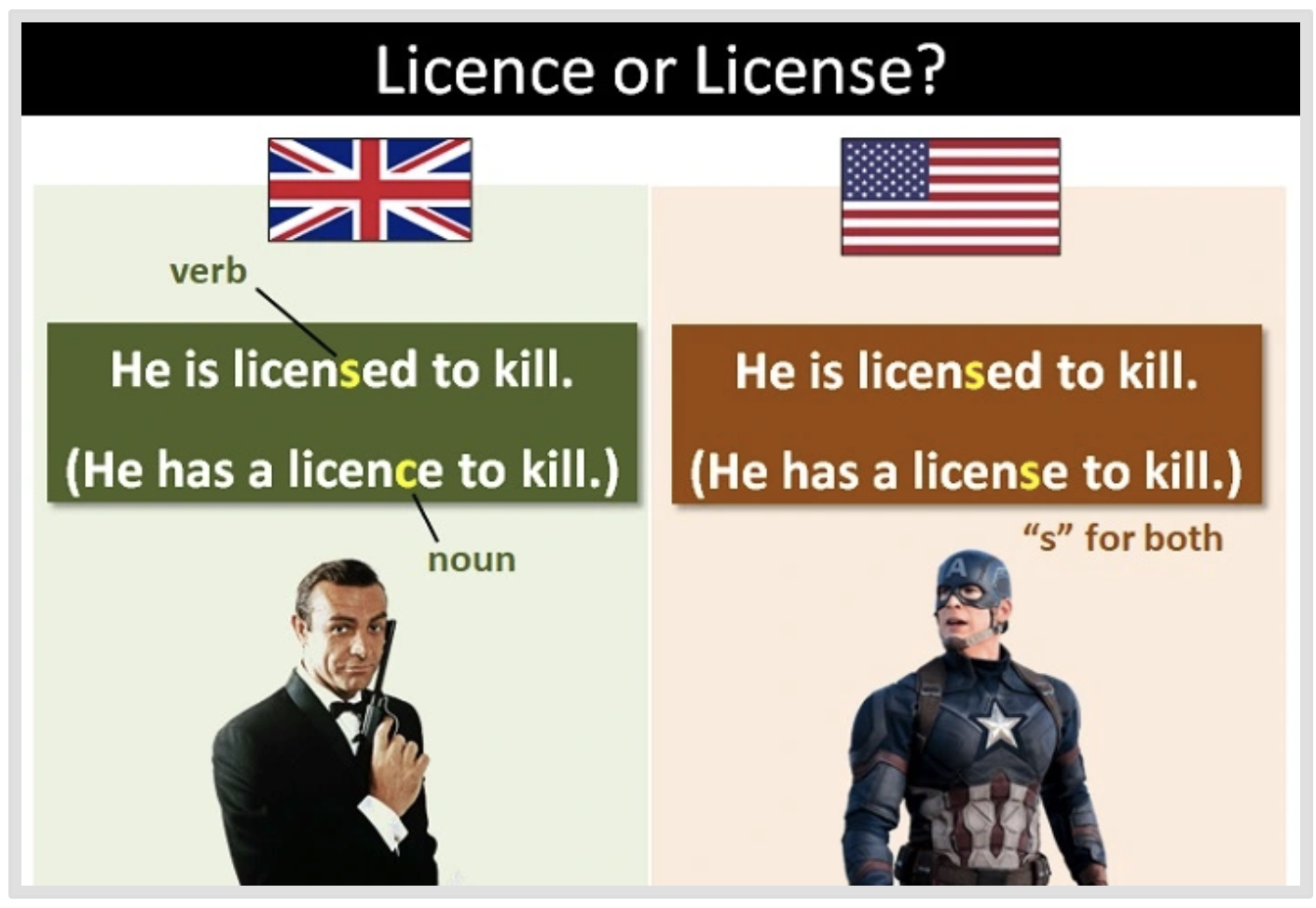
* I prefer the British use of licence, because it makes it clear whether you want it to be a noun or a verb.